
Computing
Intent
The computing curriculum is designed to develop innovative thinkers who can use technology to their advantage. We aim to ensure that they understand the advantages and disadvantages of the online world and mature as respectful, responsible and confident users of technology whilst being aware of how to stay safe in the digital world. We want to equip our children to use critical thinking skills and creativity that will enable them to become active participants in the digital world. We want our children to understand how to use the technology to express themselves, as tools for learning and as a means to drive their generation forward into the future.
Implementation
Ready, Reflective, Respectful, Responsible, Resilient
All learning outcomes can be described through ten strands, ordered alphabetically as follows:
Algorithms —Be able to comprehend, design, create and evaluate algorithms
Computer networks —Understand how networks can be used to retrieve and share information, and how they come with associated risks
Computer systems — Understand what a computer is, and how its constituent parts function together as a whole
Creating media — Select and create a range of media including text, images, sounds and video
Data and information —Understand how data is stored, organised, and used to represent realworld artefacts and scenarios
Design and development —Understand the activities involved in planning, creating, and evaluating computing artefacts
Effective use of tools —Use software tools to support computing work
Impact of technology —Understand how individuals, systems, and society as a whole interact with computer systems
Programming —Create software to allow computers to solve problems
Safety and security —Understand risks when using technology, and how to protect individuals and systems
In Early Years
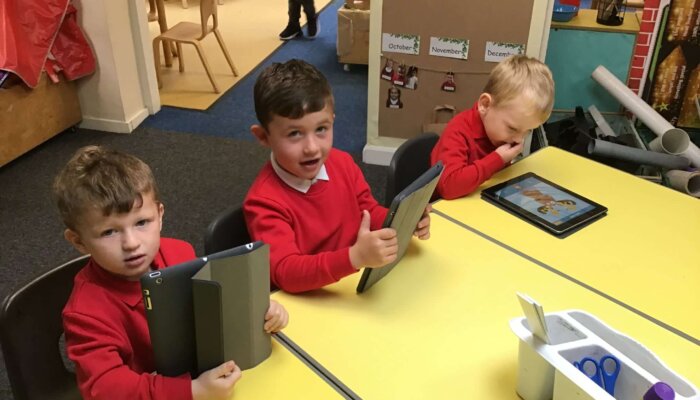
Computing in EYFS ensures that pupils enter Year 1 with a strong foundation, builds problem-solving abilities, encourages resilience and supports other areas of learning. By integrating computing into EYFS, pupils also begin to build their digital literacy and their understanding of e-safety.
- Technology Awareness: Recognize and explore a range of technology, such as computers, cameras, and programmable toys, in homes and schools.
- Computational Thinking: Develop, understand, and debug simple instructions (algorithms) or programs, such as directing a Beebot or using apps.
- Digital Skills: Operate digital devices (using touchscreens, mice, or keyboards) to create, store, and retrieve content like photos or sounds.
- E-Safety & Digital Citizenship: Understand basic rules for staying safe online, such as asking for adult permission and understanding appropriate screen time.
- Problem Solving: Use cause-and-effect software to understand that their actions on a device create a direct, predictable result
These skills are designed to build resilience and logical reasoning, preparing children for the Key Stage 1 National Curriculum.
In Key Stage 1
In Key Stage 1 children are taught:
- understand what algorithms are; how they are implemented as programs on digital devices; and that programs execute by following precise and unambiguous instructions
- create and debug simple programs
- use logical reasoning to predict the behaviour of simple programs
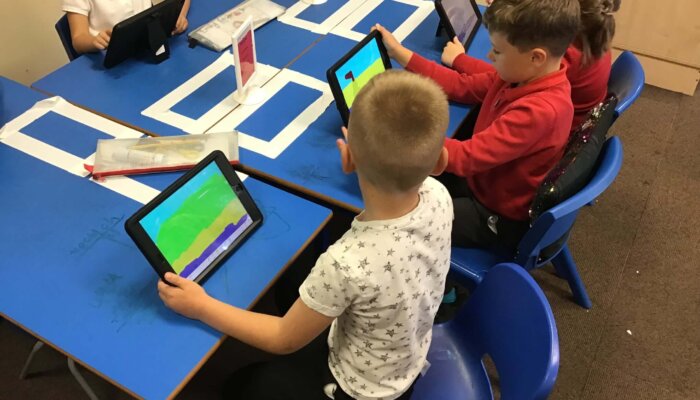
- use technology purposefully to create, organise, store, manipulate and retrieve digital content
- recognise common uses of information technology beyond school
- use technology safely and respectfully, keeping personal information private; identify where to go for help and support when they have concerns about content or contact on the internet or other online technologies.
| Computing systems and networks | Creating media | Programming A | Data and information | Creating media | Programming B | |
|---|---|---|---|---|---|---|
| Year 1 | Technology around us Recognising technology in school and using it responsibly. | Digital painting Choosing appropriate tools in a program to create art, and making comparisons with working non-digitally. | Moving a robot Writing short algorithms and programs for floor robots, and predicting program outcomes. | Grouping data Exploring object labels, then using them to sort and group objects by properties. | Digital writing Using a computer to create and format text, before comparing to writing non-digitally. | Programming animations Designing and programming the movement of a character on screen to tell stories. |
| Year 2 | Information technology around us Identifying IT and how its responsible use improves our world in school and beyond. | Digital photography Capturing and changing digital photographs for different purposes. | Robot algorithms Creating and debugging programs, and using logical reasoning to make predictions. | Pictograms Collecting data in tally charts and using attributes to organise and present data on a computer. | Digital music Using a computer as a tool to explore rhythms and melodies, before creating a musical composition. | Programming quizzes Designing algorithms and programs that use events to trigger sequences of code to make an interactive quiz. |
In Key Stage 2
In Key Stage 2 children are taught:
- design, write and debug programs that accomplish specific goals, including controlling or simulating physical systems; solve problems by decomposing them into smaller parts
- use sequence, selection, and repetition in programs; work with variables and various forms of input and output
- use logical reasoning to explain how some simple algorithms work and to detect and correct errors in algorithms and programs
- understand computer networks including the internet; how they can provide multiple services, such as the world wide web; and the opportunities they offer for communication and collaboration
- use search technologies effectively, appreciate how results are selected and ranked, and be discerning in evaluating digital content
- select, use and combine a variety of software (including internet services) on a range of digital devices to design and create a range of programs, systems and content that accomplish given goals, including collecting, analysing, evaluating and presenting data and information
- use technology safely, respectfully and responsibly; recognise acceptable/unacceptable behaviour; identify a range of ways to report concerns about content and contact
In Lower Key Stage 2
| Computing systems and networks | Creating media | Programming A | Data and information | Creating media | Programming B | |
|---|---|---|---|---|---|---|
| Year 3 | Connecting computers Identifying that digital devices have inputs, processes, and outputs, and how devices can be connected to make networks. | Stop-frame animation Capturing and editing digital still images to produce a stop-frame animation that tells a story. | Sequencing sounds Creating sequences in a block-based programming language to make music. | Branching databases Building and using branching databases to group objects using yes/no questions. | Desktop publishing Creating documents and modifying text, images, and page layouts for a specific purpose. | Events and actions in programs Writing algorithms and programs that use a range of events to trigger sequences of actions. |
| Year 4 | The internet Recognising that the internet is a network of networks including the WWW, and why we should evaluate online content. | Audio production Capturing and editing audio to produce a podcast, ensuring that copyright is considered. | Repetition in shapes Using a text-based programming language to explore count-controlled loops when drawing shapes. | Data logging Recognising how and why data is collected over time, before using data loggers to carry out an investigation. | Photo editing Manipulating digital images and reflecting on the impact of the changes and whether the required purpose is fulfilled. | Repetition in games Using a block-based programming language to explore count-controlled and infinite loops when creating a game. |
In Upper Key Stage 2
| Computing systems and networks | Creating media | Programming A | Data and information | Creating media | Programming B | |
|---|---|---|---|---|---|---|
| Year 5 | Systems and searching Recognising IT systems in the world and how some can enable searching on the internet. | Video production Planning, capturing, and editing video to produce a short film. | Selection in physical computing Exploring conditions and selection using a programmable microcontroller. | Flat-file databases Using a database to order data and create charts to answer questions. | Introduction to vector graphics Creating images in a drawing program by using layers and groups of objects. | Selection in quizzes Exploring selection in programming to design and code an interactive quiz. |
| Year 6 | Communication and collaboration Exploring how data is transferred by working collaboratively online. | Webpage creation Designing and creating webpages, giving consideration to copyright, aesthetics and navigation. | Variables in games Exploring variables when designing and coding a game. | Introduction to spreadsheets Answering questions by using spreadsheets to organise and calculate data. | 3D modelling Planning, developing, and evaluating 3D computer models of physical objects. | Sensing movement Designing and coding a project that captures inputs from physical devices. |
The curriculum at Skelton is accessible to all pupils, regardless of background or need.
Staying Safe Online
The unit overviews for each unit show the links between the content of the lessons and the national curriculum. Teaching children to be safe online citizens in not solely taught through the Computing curriculum. Indeed Online safety is also part of the school’s Lifeskills (PSHE) curriculum. Equally teachers at SPS adapt learning to meet the needs of the children in this ever-changing aspect. If a scenario presents itself that indicates that a group, class or cohort needs something bespoke then it would be delivered at the earliest possibility. More frequently than ever staff are dealing with scenarios that have happened online and out of school that needs to be actioned. This also includes support with families in keeping children safe online.
Impact
In order to effectively design tasks it is imperative that the classroom teacher understands fully the success that pupils have had with their learning. We use our purpose built App to track skills progress across Computing.
It is worth noting that we define success in our curriculum beyond the assessment of the foundation subjects. We also look to build self –belief and respect so that all children develop a sense of self-worth. We hope to see the children realise new skills and find new interests and talents along their learning journey.
If you would like to know more about our computing curriculum, please email office@skeltonprimaryschoool.co.uk